
Spellbound Kikkou Plugin
Kikkou ropes and matching marks for Spellbound Rope System.
Add a Kikkou rope tie to your Spellbound collection. The package includes separate Reborn and Waifu variants; choose the one that matches your body.
Requires the Spellbound Rope System core, sold separately. Kikkou shares the crotch slot with CROTCH, so only one can be active at a time. It adds no poses or body replacements.
Use your core's Color HUD for rope colours. Matching BOM rope marks use RLV for automatic wearing and removal.
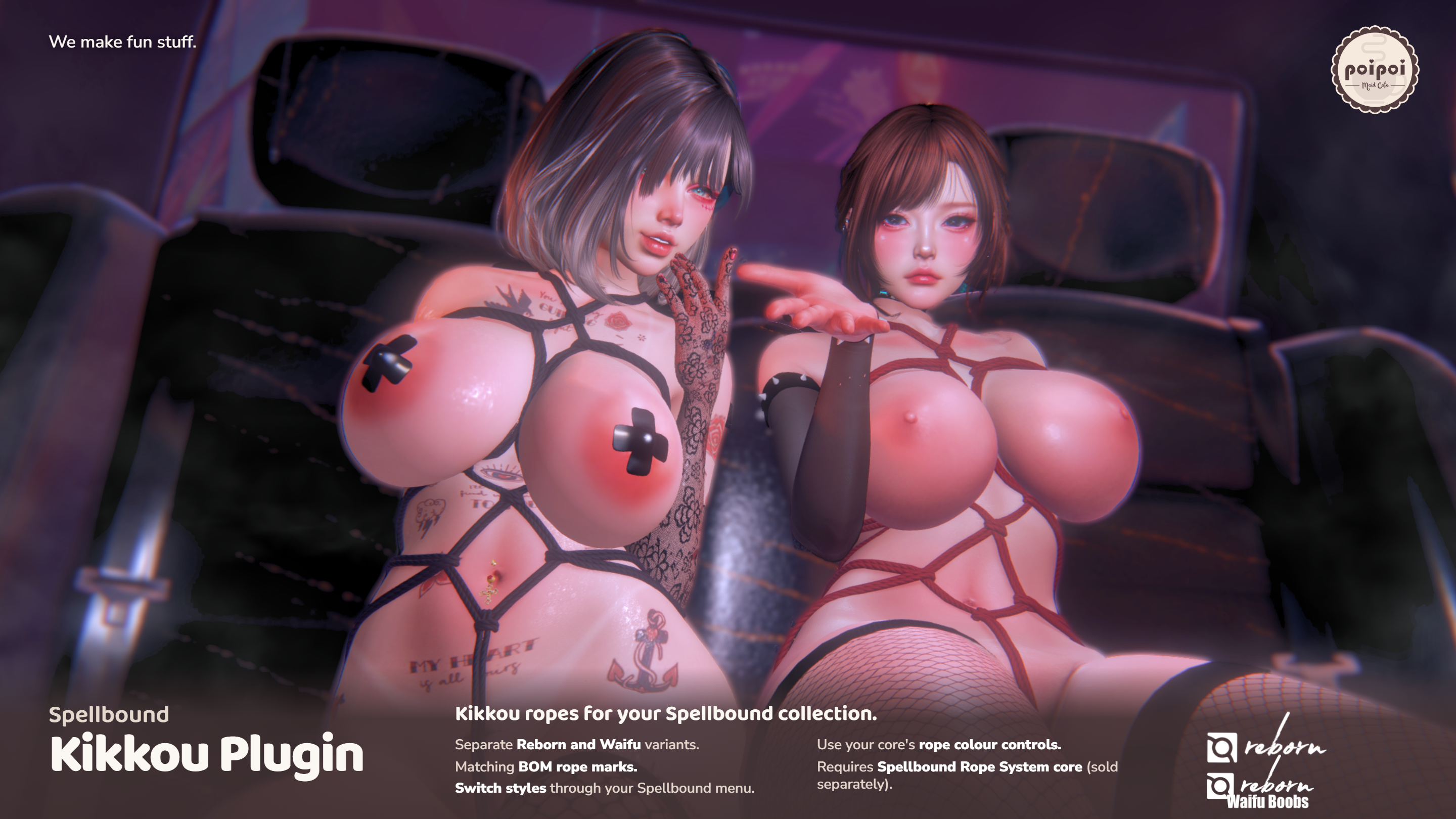
- Reborn and Waifu
- Separate R and W plugins, each fitted to its matching body.
- Matching Rope Marks
- Body-specific upper and lower BOM marks follow your core's wearing and residual-mark rules.
- Spellbound Controls
- Install and select the tie through your existing core, with its access, timer and enchantment controls.
How it works
Features
Meet the Kikkou Tie
Spellbound Kikkou Plugin adds a Kikkou rope tie and matching BOM rope marks to your Spellbound Rope System. The package has separate Reborn (R) and Waifu (W) plugins. Pick the one that matches your body.
You need the Spellbound Rope System core, sold separately! This plugin uses the core's access, enchantment, timer and struggle features. It doesn't add poses or animations.
Getting Started
Installation
- Release every tie in your Spellbound Rope System. Rez the core and the matching Kikkou plugin on land where you can rez and link objects.
- Keep the core and plugin under the same owner and within 10 metres. Position and rotate the plugin before installation; installation keeps its placement.
- As the object owner, touch the core and choose ⚙ SETTINGS > 📦 INSTALL.
- Choose the matching nearby plugin, or INSTALL ALL if you want every listed plugin. Accept the link permission request.
- Wait for installation and wearable delivery to finish. Use an RLV-capable viewer with RLV enabled, and accept the matching rope-mark layer delivery.
- Take the assembled core back into inventory. To wear it, right-click → Attach. Touch it and open ❤ TIE.
Installation registers the tie; it doesn't activate it. The separate plugin objects are named [:3PoiPoi] Rope Plugin - KIKKOU (R) and [:3PoiPoi] Rope Plugin - KIKKOU (W).
RLV Restrictions
Rope Marks
Each variant includes its own matching BOM tattoo: rope-kikkou-reborn or rope-kikkou-waifu. Each tattoo covers the matching upper and lower body.
RLV handles automatic wearing and removal. Without RLV, the rope mesh can still show, but automatic rope-mark wearing and removal won't work.
Marks follow the core's worn binding time and residual-mark rules. They can remain after release until the residual time expires. When available, CLEAR MARKS clears marks on released regions while preserving marks on regions still tied.
Settings
Switching Off or Uninstalling
- To hide an installed variant from the tie choices, release it first. As the object owner, open ⚙ SETTINGS > 🧵 TIE SWITCHES and click KIKKOU(R) or KIKKOU(W). ☑ is enabled; ☐ is disabled. Enable it there again whenever you want.
- To uninstall, release every tie, detach the core and rez it. Open ⚙ SETTINGS > 🗑 UNINSTALL, choose the exact Kikkou variant and confirm.
- Uninstall permanently deletes that variant's installed rope parts without sending them to Trash. Other plugins and layers already delivered to inventory stay. To reinstall, rez a fresh matching copy from your package.
Pick your matching body variant, tie up and enjoy~