
Rope Magic Script Pack
Rope Magic Script Pack
THIS IS SCRIPT ONLY, THE SHIBARI ROPES ARE NOT INCLUDED! You need RopeMagic's shibari ropes (shibari set-full body). Get them here: http://maps.secondlife.com/secondlife/Dark%20City/207/153/23
Rope Magic Script Pack swaps in new scripts for RopeMagic's shibari ropes (the old scripts have to go, since old and new conflict). Touch the rope to lock it, pick a pose and set the pace~
You also need an RLV-enabled viewer. Strip only force-detaches the attachments you pick and leaves body and alpha layers alone. You'll also hear a rope-pull sound on locking, unlocking, taking the key, menu pose changes and jumps.
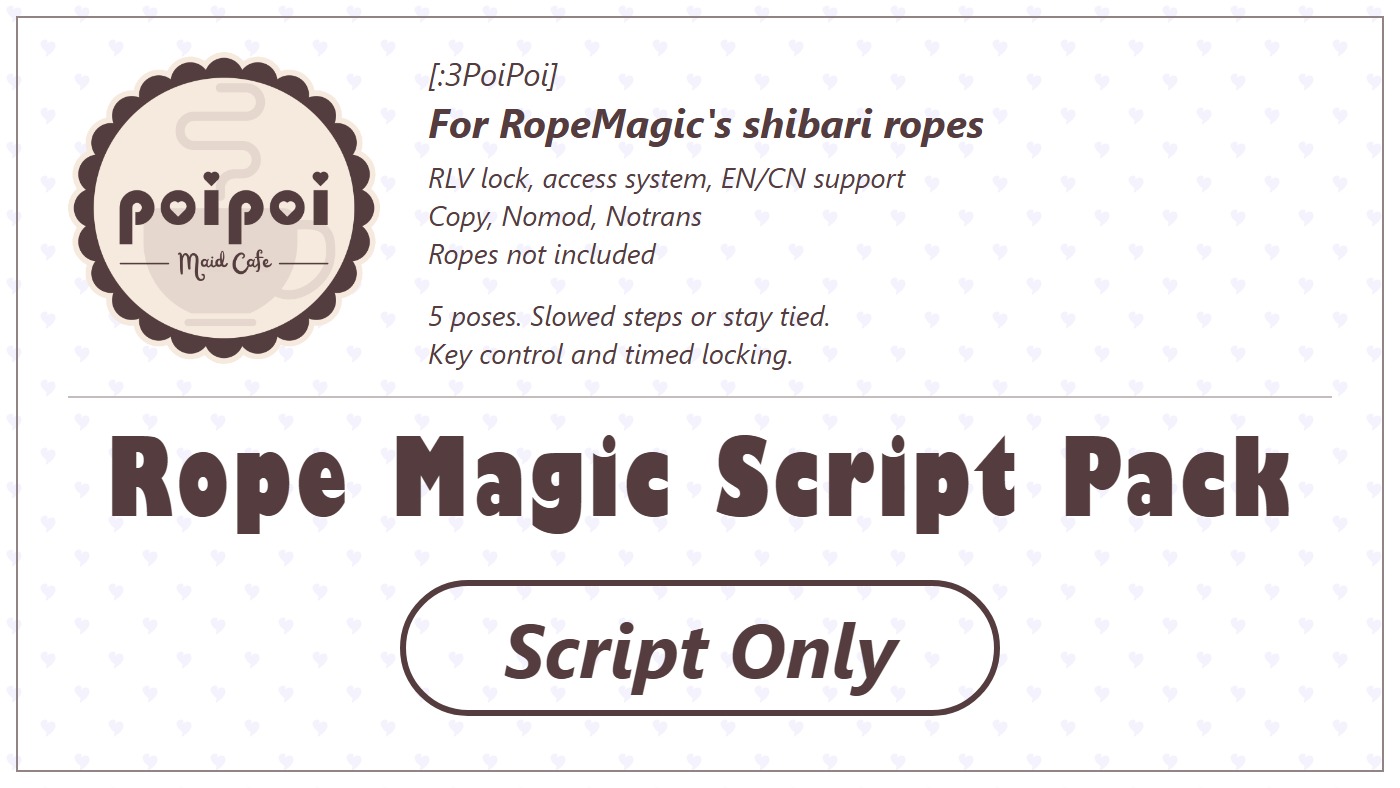
- Five Bound Poses
- Switch between Stand, Ground, Knee 1, Knee 2 and Hogtie. The extra hogtie rope appears with its pose.
- Keys & Timers
- Hand over the key, set a timed unlock or start self-bondage. Optional public extensions let visitors add time.
- Bound Movement
- Walk slowly in Stand and Ground, or stay still in kneeling and Hogtie poses. Adjust your walking speed.
- Height for Each Pose
- Adjust and save a separate hover height for each pose.
- Choose Who Controls
- Owner, trusted users, self access and public access, with touch, build, movement and camera restrictions.
- Bilingual Menus
- Switch between English and Chinese menus.
How it works
Getting Started
Install the script pack
Rope Magic Script Pack adds five poses, key control, timers and RLV restrictions to RopeMagic's shibari ropes. It's a script pack, not a rope model, so you'll need RopeMagic's shibari ropes (shibari set-full body) already~
Installing is simple: clear out the old scripts, then drop the new ones in. Old and new scripts fight each other, so don't leave any old one behind! Keep an untouched backup and install into a copy you can edit.
Turn on RLV in your viewer (Firestorm: Preferences > Third Party > RLVa). If RLV is off, the lock won't work!
First, make sure the set is complete:
- A root plus the child prims
A,B,Candhogtie rope. The namehogtie ropehas to match exactly (lowercase, with the space), or the hogtie rope won't show up. LeaveA,BandCas they are; the scripts never touch them. - These 8 animations in the root (names must match too):
walk,stand,sit,knee1,knee2,hogtie,ground_walk,ground_sit. - Land that allows scripts.
Then install:
- Rez the set on the ground, right-click > Edit and open the root prim's Content tab.
- Delete every script starting with
[Beeta]and its.Config. Keep the[PXL]receivers,.configRCV,Meshbody Alpha Maskand the 8 animations. - Drag all 10 scripts from the pack into the root prim's content, not a child prim! (
poi_main,poi_access,poi_menu,poi_anim,poi_slow,poi_rlv,poi_showHide,poi_strip,poi_timer,poi_dialog) - Make sure every script is running and compiled. No sound item and no Description needed.
Wear it and open the menu
All installed? Time to wear it:
- In inventory, right-click the rope → Attach.
- Click Grant when it asks for animation permission.
- Touch the rope to open the main menu. It starts in English; click 🌐 中文 for Chinese, or 🌐 EN to switch back.
- Click 🔒 LOCK, then open 🧎 POSES and pick a pose.
You can also use chat: the first two letters of the wearer's character name + rm. For Alice that's Alrm, in local chat or as /1 Alrm. Not case-sensitive. (Check the startup message or menu for the exact command.)
Next up: what's on the main menu.
Lock & Key Holder
- Click 🔒 LOCK. The rope can't be detached now.
- Click 🗝 TAKE KEY. Once the key is taken, the wearer can't unlock unless they're also the owner, a trusted user or the key holder.
- The key holder can click 🗝 RETURN KEY to hand it back. The owner can too.
- Anyone with permission can click 🔓 UNLOCK: it clears the key and self-bondage state, stops the countdown, clears manually set RLV restrictions and returns to Stand.
The owner and trusted users can always handle the key. With public access on, visitors can use poses, speed, hover, RLV and strip; visitors can't unlock while the key is taken!
You'll hear a rope-pull sound when you lock, unlock, take the key, change pose from the menu, or jump.
Next up: the five poses.
Binding & Poses
Once locked, open 🧎 POSES. ☑ is the current pose, ☐ are the others.
| Pose | Movement | Default hover height |
|---|---|---|
| STAND | Slowed movement; charge jump available | 0.00 m |
| GROUND | Slowed movement; no jumping | 0.30 m |
| KNEE 1 | No movement or jumping | 0.15 m |
| KNEE 2 | No movement or jumping | 0.20 m |
| HOGTIE | No movement or jumping; shows the hogtie rope | 0.25 m |
Only Hogtie shows the extra hogtie rope; the other ropes stay as they are. In Stand, hold the jump key for a short charge and you'll leap. Hold forward too to jump forward~
Click ⏹ RELEASE ALL to go back to Stand. It does not unlock the rope or bring back normal walking speed! Stand and slowed walking stay on while unlocked. While locked, flying and running are blocked too.
Next up: setting a timer.
Timer
- Open ⏱ TIMER and add time with +1MIN / +5MIN / +30MIN / +1HR, up to 30 days.
- Pick the time mode: ☐ REAL LIFE is game time and only counts down while worn; ☑ REAL LIFE keeps counting in real time.
- Lock the rope first, then click ▶ START. A normal countdown unlocks the rope automatically when it runs out.
- To stop partway, click ⏹ STOP. The rope stays locked. While stopped, 🔄 RESET clears the duration.
The defaults are zero time and game time. The owner, trusted users and key holder can extend a running timer. The wearer can too, as long as the key hasn't been taken and self-bondage is off. You can only change the time mode while stopped.
Want passers-by to add time for you? Turn on ☑ PUBLIC EXTEND and make sure public access is on. Visitors only see +1MIN / +10MIN / +30MIN / +1HR, and can't start, stop or reset. After a successful extension, all visitors share a 5-minute cooldown, and the 30-day cap still applies. Public Extend is off by default.
Next up: tying yourself up.
Self-Bondage Timer
- As the wearer, open ⏱ TIMER and set a duration.
- Make sure no timer is running and nobody has taken the key.
- Click 🔒 SELF-BONDAGE. The rope locks itself and the countdown starts.
During self-bondage, an ordinary wearer can only watch the remaining time. No unlocking, no stopping the countdown, and no poses, settings, RLV or strip. The owner and trusted users can extend the timer, or click 🔓 RELEASE for a full early unlock.
When self-bondage runs out, you only get the right to unlock back. The rope stays locked! Click 🔓 UNLOCK afterward to actually release it. The expiry message is “TIMER ELAPSED · UNLOCK AVAILABLE”.
If the wearer is also the owner or a trusted user, they keep early-release permission.
Next up: RLV restrictions.
RLV Restrictions
Once locked, open ⛓ RLV. ☑ means on, ☐ means off. All manual restrictions start off.
| Category | Options and effects |
|---|---|
| ✋ TOUCH | FAR TOUCH: limit distant touching; TOUCH: block touching; WORLD: block touching world objects; TOUCH SELF: block touching own attachments; TOUCH HUD: block touching HUDs; GESTURE: block sending gestures |
| 🧱 BUILD | INVENTORY: hide inventory; EDIT: block editing; REZ: block creating objects; VIEW CONTENT: block viewing notecards, scripts and textures |
| 🚷 MOVEMENT | TELEPORT: block teleporting; SIT: block sitting; UNSIT: block standing up from a seat; MAP: hide the world map |
| 👁 CAMERA | 0M (FORCE ML), 1M, 2M or 3M: pick the max camera distance; ⏹ OFF removes it |
🧹 CLEAR ALL inside a category only clears that category. The one on the RLV main menu clears every manual restriction, but it won't unlock the rope or remove the movement limits from poses. Unlocking clears all manual restrictions too.
Strip
👕 STRIP only works while locked. Pick an attachment to force-detach it. This rope isn't listed, and body layers and alpha layers never get stripped. (Restrictions from other items can still stop something from detaching~)
Next up: who gets to control the rope.
Access Control
Open 🔐 ACCESS. By default there's no owner or trusted user, Self Access and Public Access are on, and Access Lock is off.
- 👤 OWNER+ / 👤 OWNER-: pick one owner from people within 10 m, or clear the owner. The wearer is in the list too.
- ❤ TRUSTED+ / ❤ TRUSTED-: add or remove trusted users, up to five.
- ☑ / ☐ SELF ACCESS: allow or deny the wearer the main menu. Set an owner before turning it off.
- ☑ / ☐ PUBLIC ACCESS: allow or deny visitors the menu and public operations.
- ☑ / ☐ ACCESS LOCK: only the owner can toggle it. When on, the wearer can't change access settings; a wearer who is also the owner isn't affected.
The owner and a wearer with Self Access can change access settings; trusted users and visitors can't. Trusted users keep key permissions and early self-bondage release. A key holder also needs main-menu access to use the menu.
Clearing the owner turns Self Access back on and turns Access Lock off.
Next up: speed and height.
Settings
Walking speed
Open ⚙ SETTINGS → 🐢 SPEED. Use ▲ SPEED / ▼ SPEED to adjust; ⇅ STEP cycles the increment through 1, 5 and 10. The default is 100%, range 10% to 300% (relative to this product's default slowed speed).
Stand and Ground share this setting, including while unlocked. Speeding up won't get you moving in the kneeling or Hogtie poses, so don't bother~
Hover height for each pose
- While locked, open 🧎 POSES and pick the pose you want to adjust.
- Click 🎈 HOVER and adjust with ▲ HOVER / ▼ HOVER. The height changes right away.
- Use ⇅ STEP to cycle 0.01, 0.05, 0.10 and 0.50 m. The default step is 0.05 m; the range is -2.00 to +2.00 m.
- Click 💾 SAVE TO POSE. Each pose saves its own height. Switching pose loads the saved height, or the default if you haven't saved one.
Unsaved adjustments are gone when you switch pose or reattach! Unlocking still applies Stand's height; detaching the rope clears this product's height adjustment. Everyday settings are all in the menus, so there's no config notecard to edit.
Next up: common questions.
Features
How do I end the restraint?
Anyone with permission clicks 🔓 UNLOCK. ⏹ RELEASE ALL only goes back to Stand. During self-bondage, the owner or a trusted user clicks 🔓 RELEASE, or the wearer unlocks after it expires.
Why am I still walking slowly after unlocking?
Stand is the default pose, and slowed movement applies while unlocked too. Turn it up in ⚙ SETTINGS → 🐢 SPEED, or unlock and detach the rope.
Why didn't locking or a pose work?
Check two things: is RLV on in your viewer (locking and RLV restrictions need it), and did you click Grant on the animation permission (poses and movement control need it)?
The menu doesn't respond. What now?
Most likely a script isn't running, or an old Beeta script is still in there fighting the new ones. Check the root prim's content again. If the chat command does nothing, make sure xx is the first two letters of your character name.
The hogtie rope doesn't show up?
The child prim isn't named hogtie rope (lowercase, with the space, exactly).
What survives reattaching or a reset?
The owner, trusted list, public access, language, lock, key, speed and saved pose heights all stay. Reattaching reapplies the current pose; a full reset goes back to Stand.
A full reset loses the timer, turns Public Extend off, turns Self Access back on and Access Lock off. If self-bondage was running, permission to unlock comes back, but the rope stays locked.
That's everything. Have fun~